
Zgro SystemsWhatsApp

← Everything it does

Dine-in QR ordering

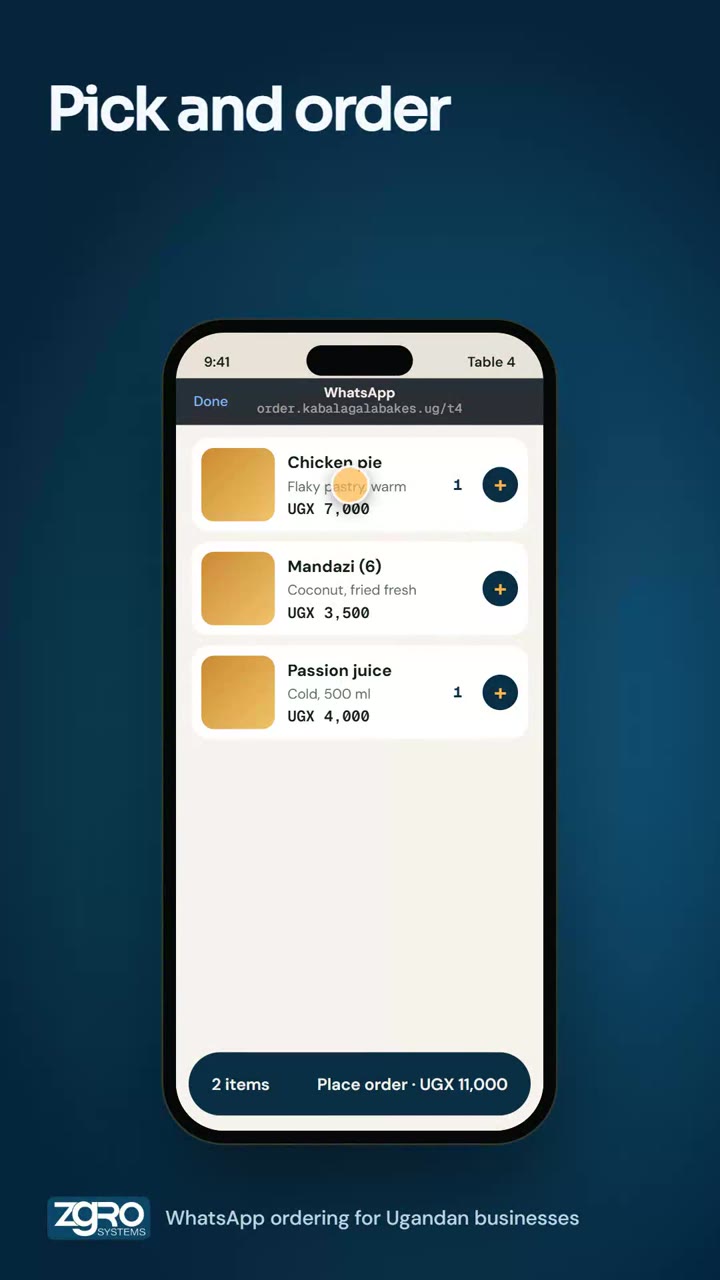
One QR code on the table opens your menu. Customers order from their own phone and the order appears on the kitchen screen.

Step 1 of 2

Scan and order

Point the camera at the code on the table. The menu opens, with no app and no account.

Example screens: names, items, prices and numbers are examples.

9:41Camera

Point your camera at the code on the table
Everything included

One code, full menu

  • Print one QR code for the door, counter, table or shelf
  • Any phone camera opens your menu in the browser
  • Customers pick items, options and quantities and see the total before ordering
  • An order number appears the moment they confirm

Less work for your team

  • Orders drop straight into your list and the kitchen display, tagged as QR orders
  • Payment can be settled at the counter
  • Fewer mistakes than shouting an order across the room

Running the room

  • Dine-in tables and table ordering
  • A menu board for a TV screen
  • Auto print and Bluetooth receipt printing
  • Group orders and a daily closing report

Watch it

Scan, order, and it is in the kitchen
Try the full ordering demo

More that it does

OrderingPaymentsDeliveryReservationsPoint of saleAutomationRun and grow